

private-clubs, with the display name Private Clubs. The server uses Streamable HTTP. Free, no account or API key needed. For pictures of each step, see the setup page.
Use the setup line
Paste this line into your AI app:- Agent apps (Claude Code, Codex, Cursor, OpenClaw and Hermes) show you each command or config change and run it once you agree. They add the server beside your other MCP servers and keep them.
- Chat apps (Claude, ChatGPT, Grok and Perplexity) cannot add a connector themselves, so they tell you the clicks.
Choose your app
To set up Private Clubs by hand, pick your app. The setup page shows each app in three steps: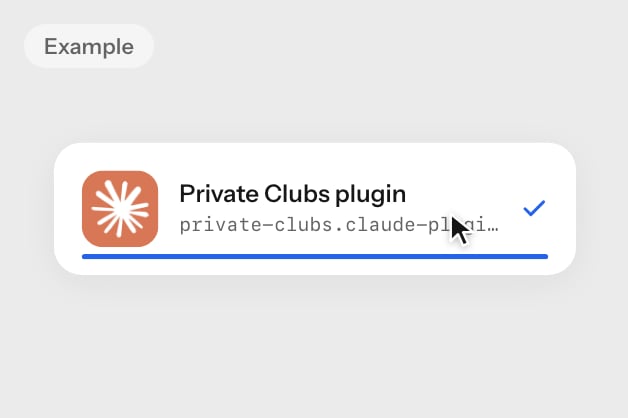
- Claude
- ChatGPT
- Claude Code
- Codex
- Cursor
- Grok
- Perplexity
- OpenClaw
- Hermes
Works on every Claude plan. Free holds one custom connector. On Team and Enterprise, an owner adds it in Organization settings > Connectors.With the pluginAs a custom connectorAdded Clubs before? Replace that older entry with Private Clubs.
1
Download the plugin
Download
private-clubs.claude-plugin.zip. It includes the Private Clubs skill and the MCP connection.2
Upload it to Claude
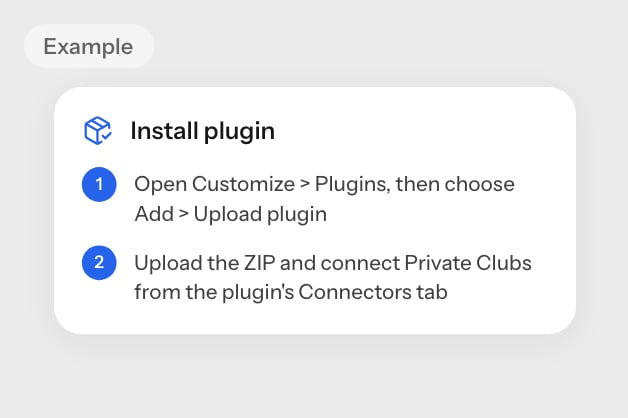
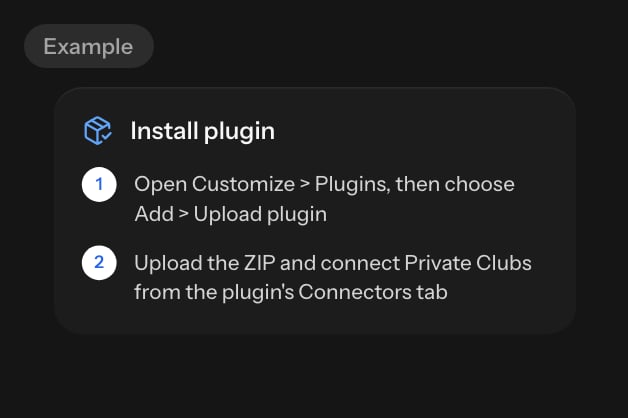
Open Customize > Plugins, choose Add > Upload plugin and upload the ZIP.
3
Open the Connectors tab
Open the plugin’s Connectors tab and select Connect.
4
Add the connector
Select Add. Claude detects that no sign-in is needed.
5
Connect
Select Connect again.
6
Use it in a chat
In a chat, press Use on the plugin’s connector.
1
Copy the address
https://www.theprivateclubs.com/api/mcp2
Add a custom connector
Open Customize > Connectors, select +, then Add custom connector. Name it Private Clubs, paste the address and select Continue.
3
Choose No sign in
Select Add, then ask Claude about a club.
Another app
Add a remote MCP server in your app’s settings with these values:Replace an older entry
Addedclubs before? It is the same server under an earlier name. Replace it with private-clubs, so your app does not show the tools twice.
In apps with a command line, remove the old entry first, then add Private Clubs as your app’s tab shows:
clubs entry in the config file with the private-clubs entry. In Claude, ChatGPT, Grok and Perplexity, replace the older connector with Private Clubs.
Check it worked
Start a new session if your app needs one, then ask:search_clubs tool answers with clubs and a link to each profile. No Private Clubs tools? See Troubleshooting.
Call the server without an app
You can call the server from a terminal. It is stateless, so a tool call needs no session and noinitialize step. Send JSON-RPC over POST:
tools/call with the tool’s name and its arguments in params. A GET request returns 405, because the server answers POST only.
Next, see each tool’s parameters in Available tools, or fix a problem in Troubleshooting.